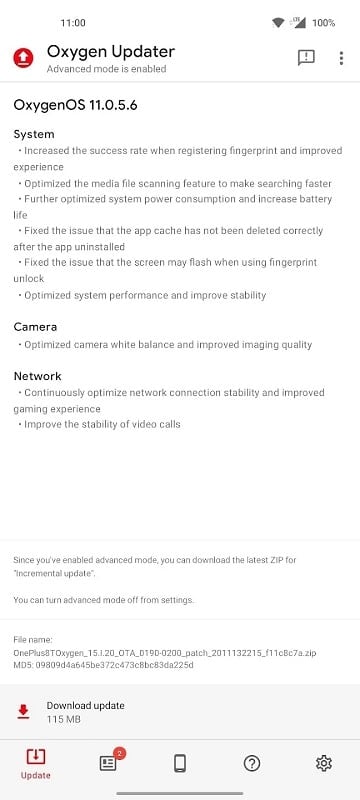
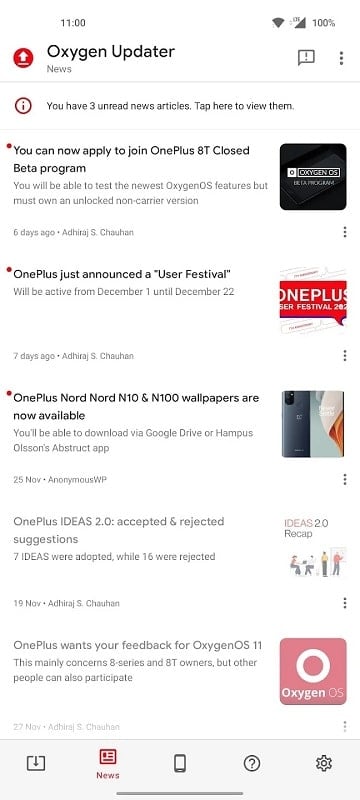
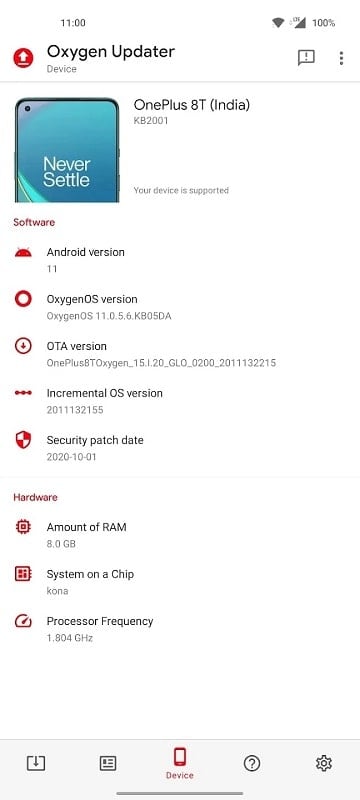
Oxygen Updater is an essential app for users of OnePlus devices who want to stay up to date with the latest OxygenOS updates. This app provides a quick and easy way to download and install the newest official software updates for your OnePlus phone, even if they haven’t been rolled out to your device yet. By bypassing carrier and regional restrictions, Oxygen Updater ensures you get the latest improvements, bug fixes, and new features as soon as they’re available. The app also simplifies the process by downloading the update file directly to your device and guiding you through the installation process, making it easier to enjoy the latest OxygenOS version.
Features of Oxygen Updater:
1. Fast Access to Latest Updates: Get access to the latest official OxygenOS updates as soon as they're available, without waiting for the typical rollout period.
2. No Region Restrictions: Oxygen Updater allows you to bypass any region-based restrictions, ensuring you can download updates no matter where you are.
3. Easy Installation Process: The app provides a step-by-step guide to help you download and install updates safely and without complications.
4. Automatic Notifications: Receive notifications whenever a new update is available for your device, so you can stay informed and install the latest features and improvements.
5. Safe and Secure: Oxygen Updater only provides official updates from OnePlus, so you don’t have to worry about downloading unverified or unsafe software.
Playing Tips for Oxygen Updater:
1. Check for Compatibility: Before downloading an update, ensure that it’s compatible with your OnePlus model. The app will inform you if the update is suitable for your device.
2. Backup Your Data: Although the update process is generally smooth, it's always a good idea to back up important data on your device before proceeding with the installation.
3. Connect to Wi-Fi: To avoid high data usage, ensure that you're connected to a stable Wi-Fi network when downloading the update, as they can be quite large in size.
4. Read the Changelog: Pay attention to the update’s changelog, as it will provide important details on new features, bug fixes, and improvements in the new version of OxygenOS.
5. Enable Battery Saver Mode: Ensure your device has sufficient battery life before updating, or enable battery saver mode to prevent any interruptions during the update process.
Conclusion:
Oxygen Updater is a must-have app for OnePlus users who want to stay on top of the latest software updates. By offering direct access to official updates, bypassing regional restrictions, and ensuring a safe installation process, the app takes the hassle out of staying updated. Whether you're looking for new features, performance improvements, or security patches, Oxygen Updater makes it easy to keep your OnePlus device running at its best. With automatic notifications and a user-friendly interface, this app ensures you’re always up to date with minimal effort. Download Oxygen Updater today and enjoy the latest features and enhancements on your OnePlus device.